What is Zoho desk ticket overview ?
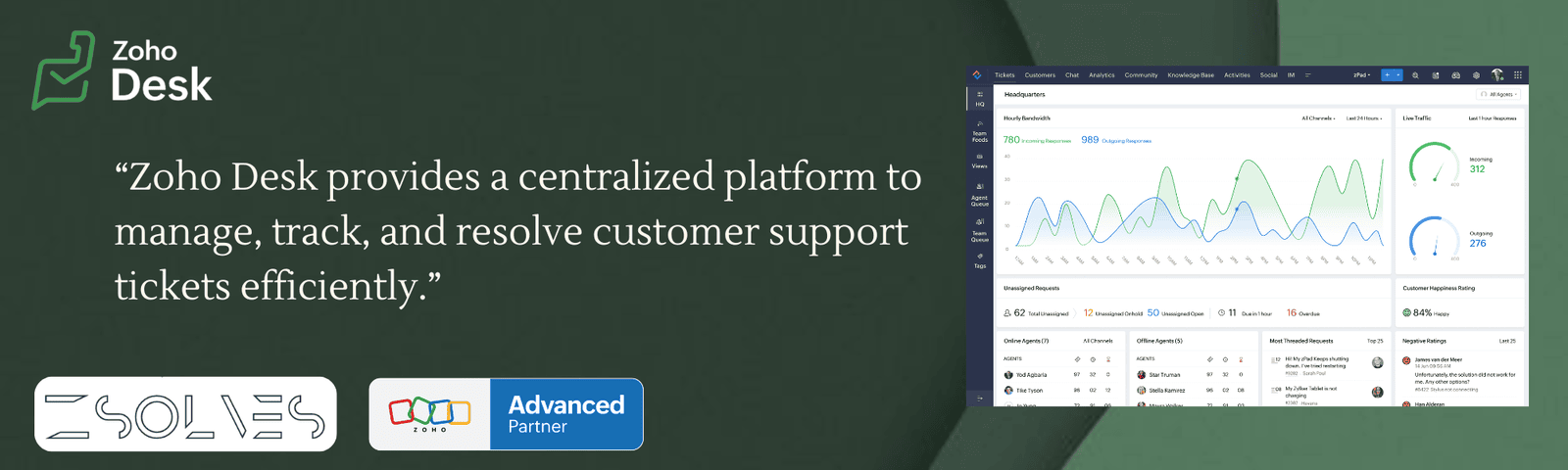
A Zoho Desk ticket overview is a quick summary view of a customer support ticket that helps agents understand the issue and act on it efficiently—without opening every detail manually.
Key Features :-
Ticket Summary:-
Displays all tickets (open, closed, pending, overdue) in one place
Helps track overall support workload
Unified (Omnichannel) View:-
Combines tickets from email, chat, phone, social media, etc.
Full conversation history in one screen
Ticket Status & Priority:-
Shows status (open, in progress, resolved) and priority levels
Helps agents decide which ticket to handle first
Ticket Management Actions:-
Assign, reassign, merge, split, or clone tickets
Update fields like status, priority, and due date
Automation & SLA Tracking:-
Auto ticket assignment (round-robin / rules)
Tracks response time and resolution deadlines
AI (Zia) Support:-
Sentiment analysis (urgent/negative tickets)
Auto-tagging and reply suggestions
Customer Context Information:-
Shows customer history and past interactions
Helps provide personalized support
Collaboration Tools:-
Internal comments and team tagging
Multiple agents can work together on tickets
Time Tracking:-
Tracks time spent on each ticket
Useful for performance analysis and billing
Knowledge Base Integration:-
Suggests relevant help articles while handling tickets
Speeds up issue resolution
Business Benefits :-
1.Improved Productivity :-
Agents can view all tickets in one place
Reduces time spent switching between systems
2. Faster Issue Resolution :-
Clear ticket status, priority, and SLA deadlines
Helps teams respond and resolve issues quickly
3. Better Customer Satisfaction :-
Quick responses and personalized support
Leads to improved customer experience and loyalty
4. Centralized Ticket Management :-
Combines all communication channels into one dashboard
Avoids confusion and missed tickets
5. Data-Driven Decision Making :-
Dashboard insights and reports
Helps managers analyze performance and improve processes
6. Automation Saves Time :-
Automatic ticket assignment and workflow rules
Reduces manual work and human errors
7. Enhanced Team Collaboration :-
Internal notes and shared ticket access
Teams can work together efficiently
8. Improved Accountability :-
Tracks agent performance and response time
Ensures responsibilities are clearly defined
9. Cost Efficiency :-
Reduces operational costs through automation
Optimizes resource utilization
10. Scalability :-
Easily handles increasing customer queries
Suitable for growing businesses