What is Zoho Cliq?
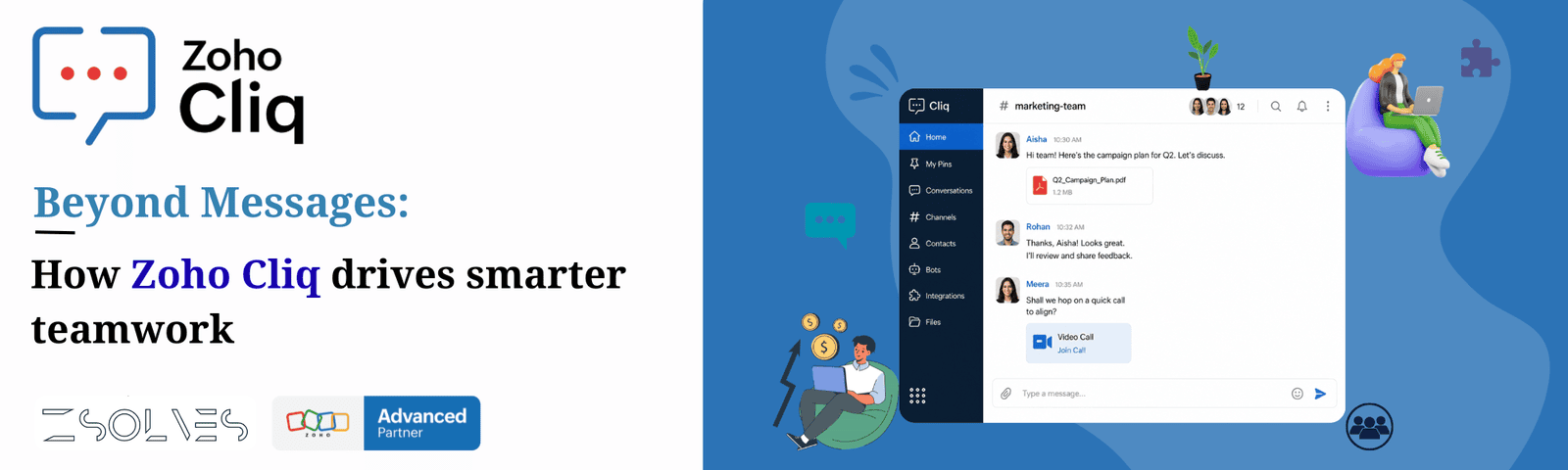
Zoho Cliq is a team communication and collaboration platform developed by Zoho Corporation. It helps businesses and teams communicate, collaborate, and manage work from one place.
Key Benefits:
1. Real-Time Messaging & Team Chat:
Zoho Cliq allows employees to communicate instantly through:
1. Direct messages
2. Group chats
3. Team channels
4. Organization-wide discussions
Teams can share:
1. Text messages
2. Files
3. Images
4. Videos
5. Documents
6. Links
7. Voice notes
This helps reduce dependency on emails and speeds up internal communication.
Example:
Sales teams can instantly update managers about customer meetings without sending long emails.
2. Channels for Organized Communication:
Channels are dedicated spaces for specific:
1. Departments
2. Projects
3. Teams
4. Clients
5. Announcements
Different types of channels include:
1. Public channels
2. Private channels
3. External channels
4. Multi-team channels
Channels help organize conversations and avoid confusion.
Example:
A company may create:
1. #sales
2. #support
3. #marketing
4. #project-launch
Each team communicates separately while staying organized.
3. Audio & Video Meetings:
Zoho Cliq includes built-in:
1. Audio calls
2. Video conferencing
3. Instant meetings
4. Scheduled meetings
5. Screen sharing
Users can:
1. Conduct remote meetings
2. Collaborate in real time
3. Record meetings
4. Share presentations
This makes it useful for remote and hybrid work environments.
Features Include:
1. Whiteboard collaboration
2. Meeting recording
3. Speaker controls
4. Group calls
5. Screen sharing
4. Threaded Conversations:
Threaded replies help teams maintain focused discussions inside channels.
Instead of cluttering the main chat:
1. Users can reply inside a thread
2. Discussions remain organized
3. Context is preserved
This improves readability and project tracking.
Example:
A bug discussion can happen in a separate thread without interrupting the main project conversation.
5. File Sharing & Document Management:
Users can easily:
1. Upload files
2. Share documents
3. Preview attachments
4. Access shared media
5. Store meeting recordings
Supported files include:
1. PDFs
2. Excel sheets
3. Images
4. Videos
5. ZIP files
Presentations
Cliq centralizes file access for teams.
6. Workflow Automation & Bots:
One of Zoho Cliq’s strongest features is automation.
Businesses can create:
1. Custom bots
2. Workflow alerts
3.Automated notifications
4. Approval systems
5. Reminder bots
Cliq supports:
1. Deluge scripting
2. Webhooks
3. APIs
4. Custom functions
This reduces manual work and improves efficiency.
Example:
When a new lead enters Zoho CRM, a notification automatically appears in a sales channel.
7. Integration with Zoho & Third-Party Apps:
Zoho Cliq integrates with:
1. Zoho CRM
2. Zoho Books
3. Zoho Desk
4. Zoho Projects
5. Google Workspace
6. Microsoft 365
7. Trello
8. Zapier
9. DocuSign
10. ChatGPT
These integrations allow teams to receive updates and perform actions directly inside Cliq.
Example:
Support tickets from Zoho Desk can automatically appear inside a support channel.
8. Task Management & Reminders:
Cliq lets users:
1. Convert messages into tasks
2. Set reminders
3. Follow up on conversations
4. Pin important messages
This helps teams track work efficiently.
Example:
A manager can convert a message into a reminder:
“Submit proposal by Friday”
Cliq automatically reminds the user later.
9. Search & Message History:
Advanced search helps users quickly find:
1. Old messages
2. Shared files
3. Links
4. Conversations
5. Meeting records
Users can search by:
1. Date
2. User
3. Channel
4. Keywords
This saves time and improves information accessibility.
10. External Collaboration:
Zoho Cliq supports communication with:
1. Clients
2. Vendors
3. Partners
4. External teams
Using Cliq Networks, businesses can collaborate securely with people outside the organization.
Example:
A company can create an external channel with a client for project updates.
11. Mobile & Desktop Accessibility:
Zoho Cliq works on:
1. Windows
2. macOS
3. Linux
4. Android
5. iPhone
6. Web browsers
Features available on mobile:
1. Notifications
2. Quick replies
3. File access
4. Meeting join
5. Status updates
This supports remote work and on-the-go collaboration.
12. Security & Admin Controls:
Zoho Cliq provides enterprise-grade security including:
1. Data encryption
2. Role-based permissions
3. Admin controls
4. User management
5. Data retention policies
Admins can control:
1. Channel permissions
2. User access
3. External sharing
4. Security settings
This makes Cliq suitable for businesses of all sizes.
13. AI & Smart Productivity Features:
Zoho Cliq includes AI-based productivity tools such as:
1. Conversation summaries
2. Smart notifications
3. AI integrations
4. Writing assistance
5. Automated workflows
It also integrates with ChatGPT for:
1. Summarization
2. Content generation
3. Assistance inside chats
14. Custom Apps & Developer Platform:
Developers can build:
1. Internal business apps
2. Custom widgets
3. Slash commands
4. Bots
5. Workflow apps
Using:
1. APIs
2. SDKs
3. Webhooks
4. Deluge
Best Suitable For:
1. Startups
2. SMEs
3. Enterprises
4. Remote teams
5. Sales teams
6. Support teams
7. IT companies
8. Zoho ecosystem users
9. Official Website